Order History
Overview
The Order History page shows a table of all your orders, both on the platform and via the Python SDK.
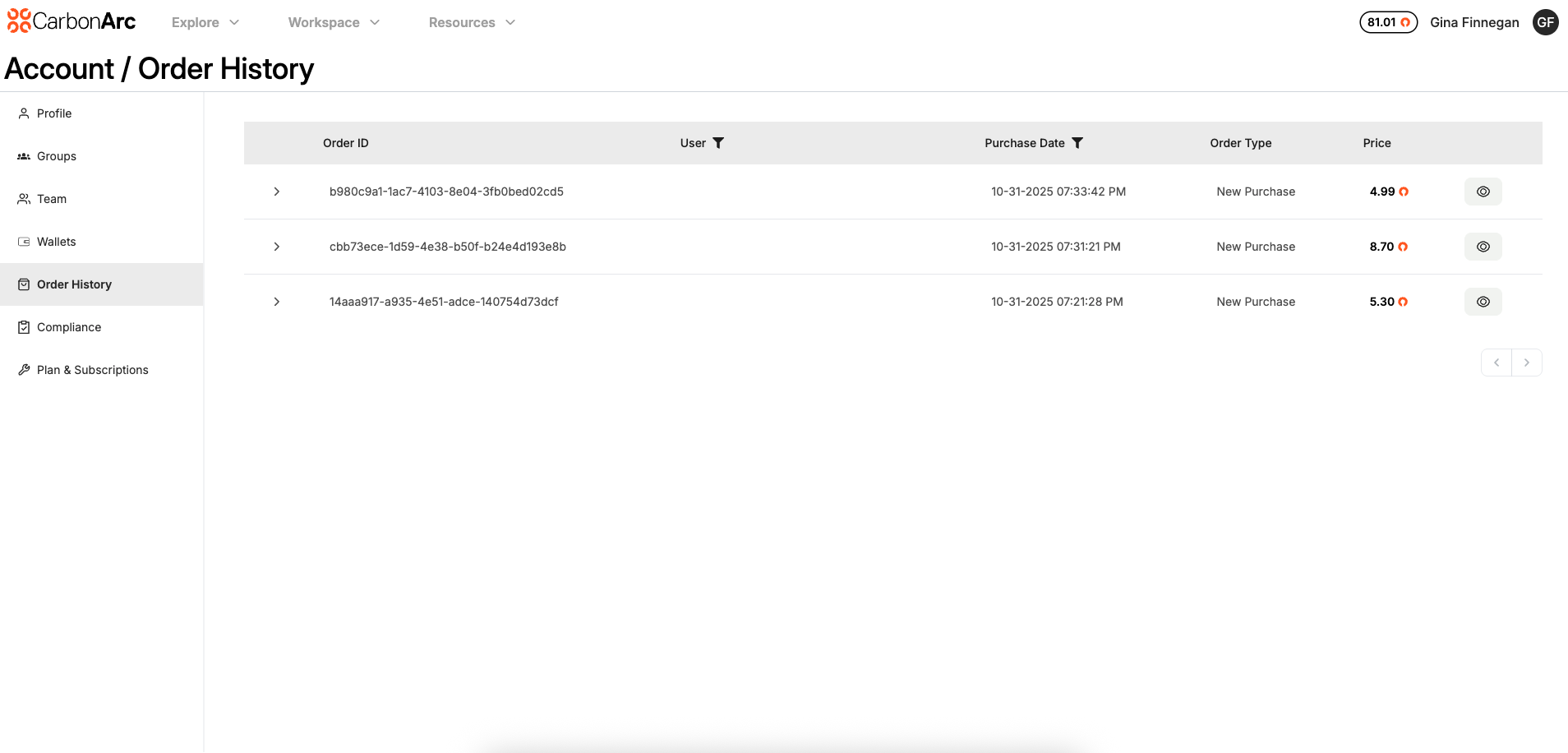
- Client Admins / Super Admins: Can view all orders across the platform.
- Users: Can only view their own orders.
The order table displays the following columns:
- Order ID – Unique identifier for the order
- User Email – Email of the user who placed the order
- Purchase Date – Date the order was placed
- Order Type – Type of order (e.g., token purchase)
- Price – Total price of the order
To view more details for a specific order, select the View Order icon. This will take you to the Order Details page which contains the timeseries data, framework code, and framework information.