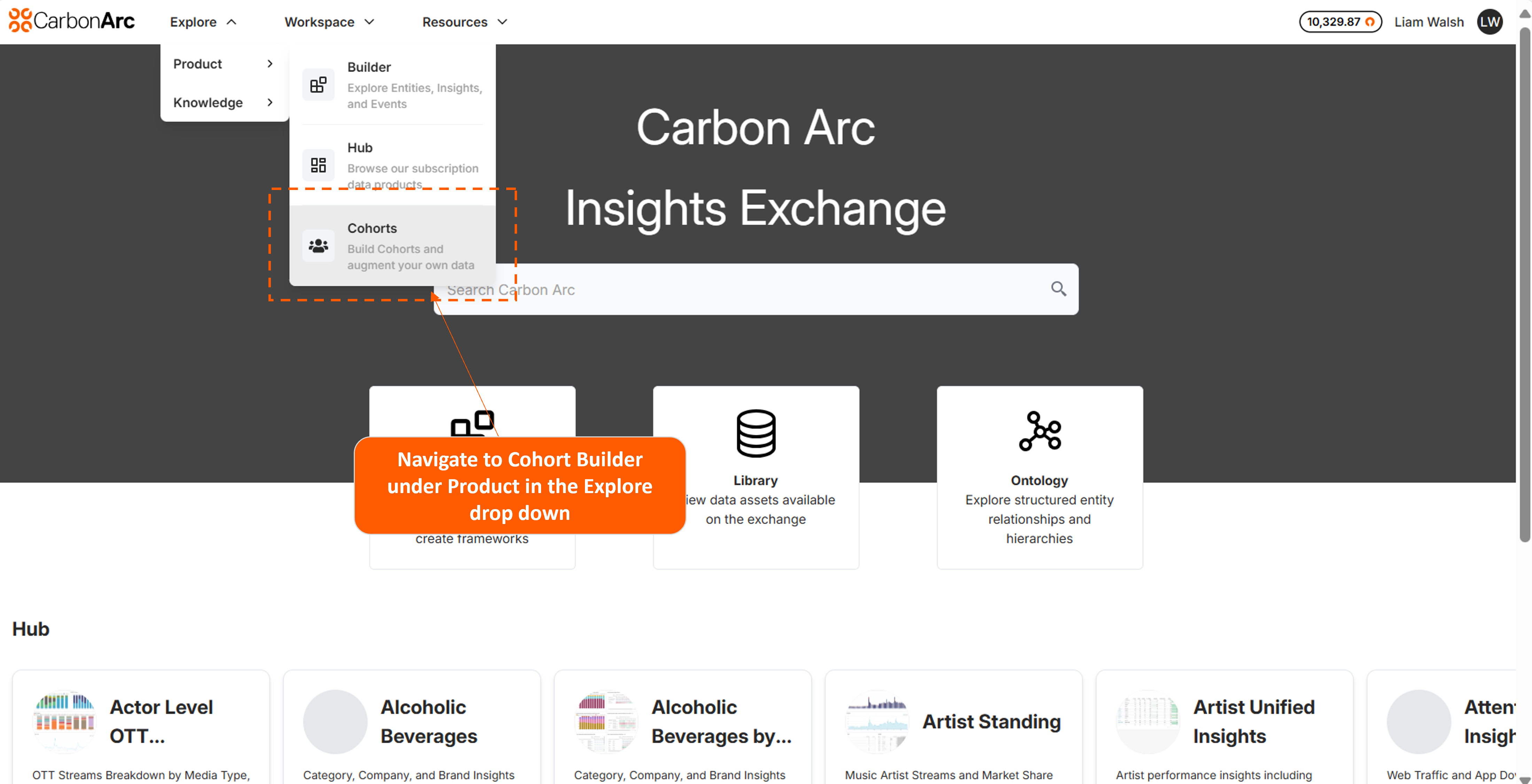
Cohort Builder - Enrichment
Transform email lists into actionable cohort based intelligence. Cohort Builder allows users to upload emails → Match against panel data → Receive demographic, behavioral, and preference analytics across 7 dimensions.
Process Flow: How Cohort Builder works
1. Upload
- Format: CSV with email addresses
- Clean your data first - invalid emails waste match rate
- Remove duplicates and role-based addresses (info@, support@)
2. Process
- Secure matching against our panel database
- Processing time: Depending on the amount of emails uploaded match can take several minutes
- Users recieve email notifications at each stage
3. Output
- CSV reports with benchmark comparisons
Report Structure
Demographics (demographics.csv)
- Gender, age cohorts, education, income
- Household composition, occupation categories
- Property values, residence types
Geographic Distribution (locations.csv)
- State-level breakdown
- Regional concentration vs. national benchmarks
Interests & Behaviors (iabs.csv)
- Digital behavior patterns
- Shopping preferences
- Lifestyle indicators
Vehicle Ownership (vehicles.csv)
- Brand and model distribution
- Luxury vs. economy indexing
Entertainment (ott.csv)
- Content consumption patterns
- Genre preferences for targeting
Sports (sports.csv)
- League and team affinities
- Seasonal engagement opportunities
Music (music.csv)
- Genre preferences
- Audio targeting opportunities
Reading Your Data
Each report includes three key metrics:
- count: Absolute number in your cohort
- share_of_total: Your cohort percentage against the full total
- panel_share_of_total: Population benchmark
When share_of_total > panel_share_of_total, you're over-indexing. That's your differentiation.
Data Security
Deletion timeline:
- Standard: PII deleted immediately after report generation
- Error cases: Maximum 5-day retention, then automatic deletion
- Confirmation: Email notification when deletion complete
All processing encrypted end-to-end.
Status Emails
These are email notifications users can expect to recieve. Status is also visible in the Order History when a cohort is created.
| Status | Email Subject | Meaning |
|---|---|---|
| Success | "Cohort Report Complete" | Reports ready |
| Insufficient Data | "Cohort Report - Insufficient Data" | Below 1,000 matches |
| Error | "Cohort Report Error" | Processing failed |
| Data Deleted | "Cohort Data Deletion Confirmation" | Data removed |
Troubleshooting
Insufficient Matches
Under 1,000 matched emails the report will fail. Solutions:
- Verify email formatting
- Expand your list to above 2,000 emails or more
- Use primary emails only, ensure they are valid emails
- Check geographic coverage, CB contains only data in the United States
Processing Error
System issue - data auto-deletes within 3 business days. Re-upload to retry.
Missing Reports
Check spam folder first for an email from noreply@carbonarc.co. Verify account email. Contact support if persistent.
Optimization Tactics
Maximize match rates:
- Upload comprehensive lists, not segments
- Use recent, active customer emails
- Primary addresses match better than secondary
- Geographic diversity improves coverage
Extract value:
- Focus on significant deviations from benchmarks
- Cross-reference patterns across reports
- Run periodic analyses to track cohort evolution
- Use for targeting, product development, and strategic planning
Technical Specifications
Input requirements:
- File format: CSV files
- Email format: standard (user@domain.com)
- Minimum viable cohort: 1,000 matched emails
Output structure:
- Format: CSV with headers
- Metrics: counts, percentages, benchmarks
- Delivery: Email notification with download links
FAQs
How long do reports take to process?
Users will recieve an email notification on completion. Report processing time will vary depending on the volume of emails. Reports could take a few minutes to an hour to generate.
Can I re-run the same list?
Yes users can run the same list each quarter for example. Useful for tracking cohort changes over time.
Contact us at support@carbonarc.co to request access.